

Markdown#
Markdown is a simple text-to-HTML markup language written in plain text. Jupyter notebook recognizes markdown and renders markdown code as HTML. See Markdown (by John Gruber) and GitHub Markdown Help for more information.
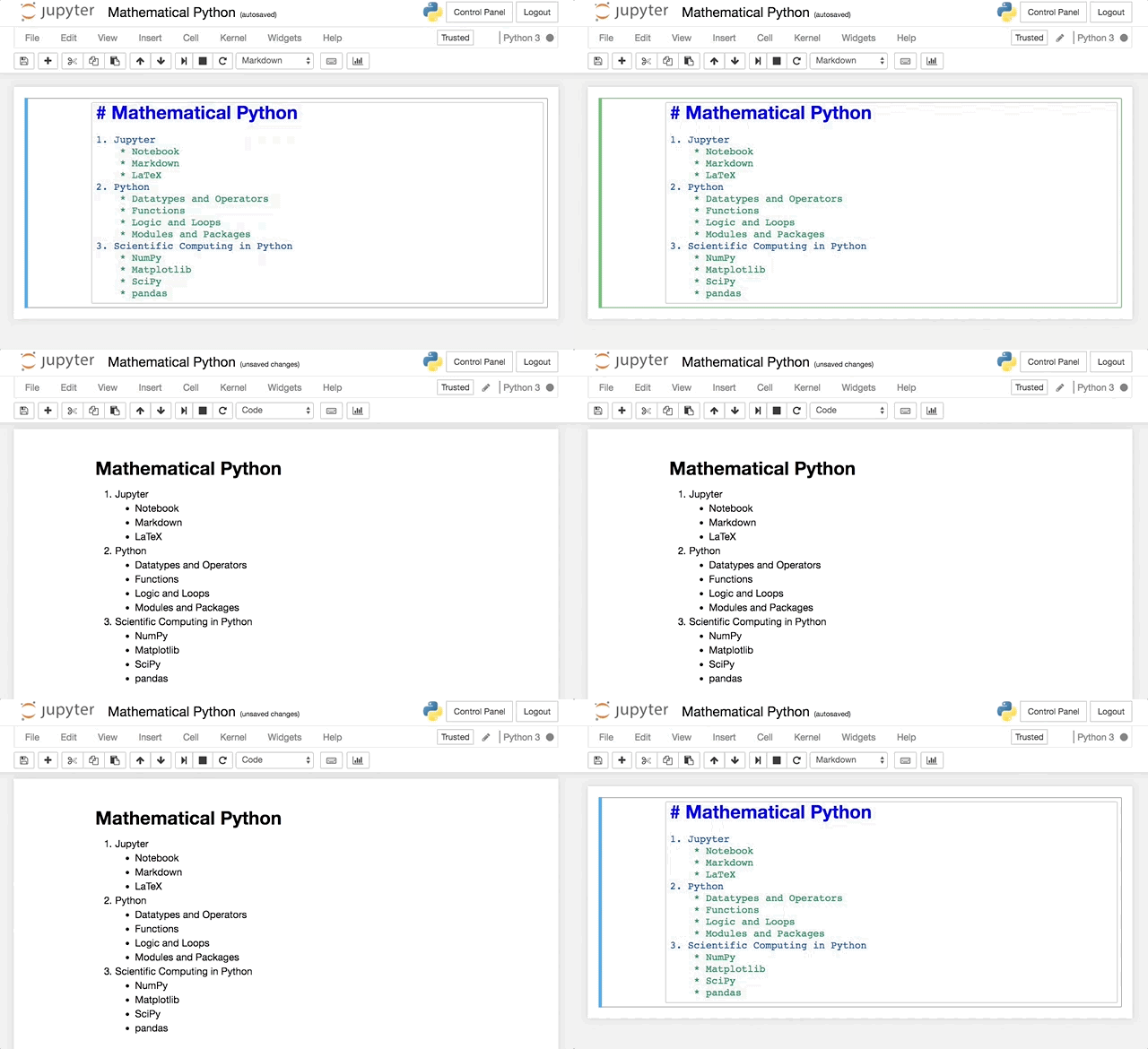
Text#
Output |
Syntax |
|---|---|
emphasis |
|
strong |
|
|
|
Headings#
Output |
Syntax |
|---|---|
Heading 1 |
|
Heading 2 |
|
Heading 3 |
|
Heading 4 |
|
Heading 5 |
|
Heading 6 |
|
Lists#
Create an ordered list using numbers:
1. Number theory
2. Algebra
3. Partial differential equations
4. Probability
Number theory
Algebra
Partial differential equations
Probability
Create an unordered list using an asterisk * for each item:
* Number theory
* Algebra
* Partial differential equations
* Probability
Number theory
Algebra
Partial differential equations
Probability
Use indentation to create nested lists:
1. Mathematics
  * Calculus
  * Linear Algebra
  * Probability
2. Physics
  * Classical Mechanics
  * Relativity
  * Thermodynamics
3. Biology
  * Diffusion and Osmosis
  * Homeostasis
  * Immunology
Mathematics
Calculus
Linear Algebra
Probability
Physics
Classical Mechanics
Relativity
Thermodynamics
Biology
Diffusion and Osmosis
Homeostasis
Immunology
Links#
Create a link with the syntax [description](url). For example:
[Institute for Molecules and Materials](https://www.ru.nl/en/imm)
creates the link Institute for Molecules and Materials.
Images#
Include an image using the syntax . For example:

displays the image

Tables#
Create a table by separating entries by pipe characters |:
| Python Operator | Description  |
| :---: | :---: |
| `+` | addition |
| `-` | subtraction |
| `*` | multiplication |
| `/` | division |
| `**` | power |
Python Operator |
Description |
|---|---|
|
addition |
|
subtraction |
|
multiplication |
|
division |
|
power |
The syntax :---: specifies the alignment (centered in this case) of the columns. See more about GitHub flavoured markdown.